 Connect4 Vanilla

3D intro flight
The camera flies through a hole in the board, once around it and down into a column, while the title drops in letter by letter.
Four in a row · for iPhone, iPad & Mac
The classic game of four in a row, made with care. Real board graphics, recorded sounds, a 3D intro and a computer opponent built on the mathematics that solved the game.
iPhone, iPad & Mac1 or 2 playersEN · DE · FR · IT · ES · HU · KO

The game
The camera flies through a hole in the board, once around it and down into a column, while the title drops in letter by letter.
From Beginner to Very strong. At the top level the computer draws on a book of more than 60,000 proven openings.
Play against the computer, against a friend on the same device, or on two devices nearby – no Wi-Fi network needed. Against the computer, one tap takes back your last move.
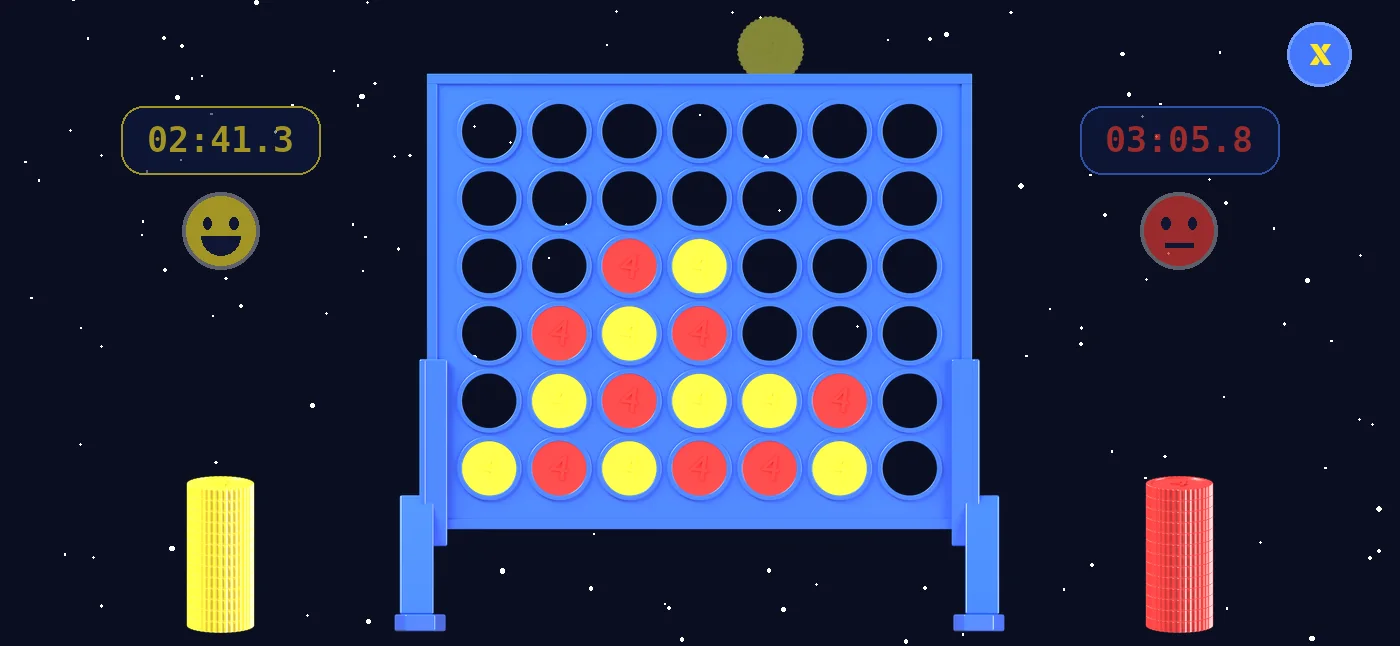
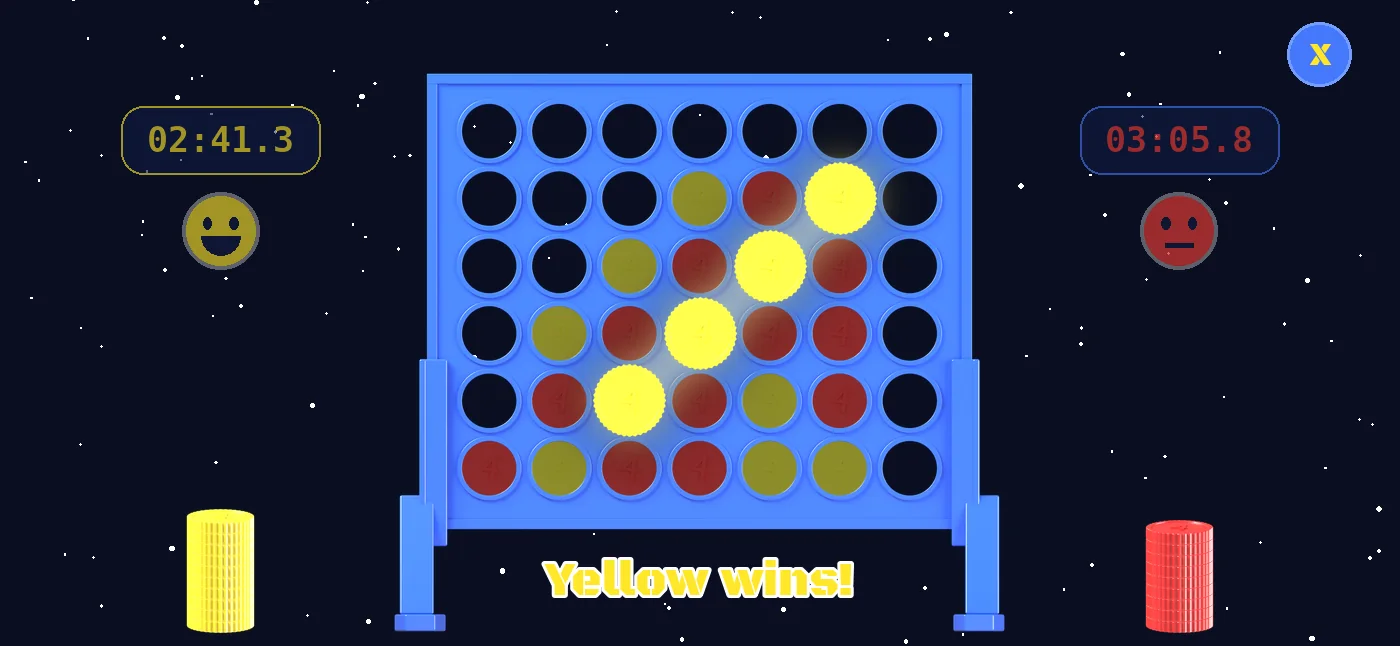
Two clocks count down to a tenth of a second. Only the clock of the player at the turn runs. Out of time means game lost.
Every falling chip is synchronized with a recording of real chips. Each screen has its own soundtrack.
Your wins, losses and draws against the computer for every playing strength, as animated donut charts.
Next to the board, a smiley for each player shows how the game is going.
Landscape and full screen, in English, German, French, Italian, Spanish, Hungarian and Korean.
Screens
Quick guide
Yellow and red take turns dropping one chip into one of the seven columns. The chip falls down to the lowest free space.
The first to get four chips of their color in a row, horizontally, vertically or diagonally, wins.
If the board is full and nobody has four in a row, the game ends in a draw.
Put your finger on the board: your chip appears above the column under your finger.
Move your finger left or right to choose the column.
Swipe down a little and the chip drops into the column. If you lift your finger before that, nothing happens.
You need two iPhones, iPads or Macs with Connect4 Vanilla close to each other. Wi-Fi must be switched on on both – a Wi-Fi network or an internet connection is not needed. The first time, allow the app to access the local network.
On both devices, choose “2 devices” as game mode in the menu and tap “New Game”.
One player taps “Host a game”. The device then waits for the second player; its name is shown at the bottom.
The other player taps “Join a game” and then the name of the first device. The game starts as soon as the devices are connected.
The settings of the hosting device apply: colors, who starts and the time. After the game, choose “Rematch” on both devices to play again – then the other color starts.
The opponent
Built on mathematical proof, not guesswork.
In 1988 Victor Allis showed in his master’s thesis at the Vrije Universiteit Amsterdam that the player who starts can always win. The engine of Connect4 Vanilla uses the rules from that work, a proof-number search and an opening book of proven positions.
On “Very strong” it is extremely hard to beat. Can you do it?
Victor Allis: “A Knowledge-based Approach of Connect-Four”, master’s thesis, Vrije Universiteit Amsterdam, 1988
Made by
Built with Swift · SpriteKit · SceneKit
Get in touch
Questions, feedback or found a bug? I look forward to hearing from you.
Information pursuant to § 5 DDG (German Digital Services Act)
Christoph NowakE-mail: iphone@nowaks.de
Phone: +49 151 21232279
As of October 2026
Christoph Nowak, Kleiststr. 17, 70794 Filderstadt, Germany. E-mail: iphone@nowaks.de, phone: +49 151 21232279.
This website does not use cookies, tracking, analytics or advertising services, or social media plugins. Fonts and images are loaded from this website's own server; no content from third parties is embedded.
When you visit the website, the web host processes technical data that your browser sends: IP address, date and time of the request, the file requested, the amount of data transferred, the referring page, and the browser and operating system. This is necessary to deliver the website and keep it secure, for example to fend off attacks. The legal basis is Art. 6 (1) (f) GDPR; the legitimate interest is the secure and stable operation of the website. The log files are deleted after 90 days at the latest, unless they are needed to investigate a security incident. A data processing agreement under Art. 28 GDPR has been concluded with the host.
If you contact me by e-mail or phone, I process the details you provide (for example your name, e-mail address, phone number and your message) only to answer your request. The legal basis is Art. 6 (1) (b) GDPR where your request concerns a contract or pre-contractual steps, and Art. 6 (1) (f) GDPR otherwise (legitimate interest in answering requests). The data is deleted once your request has been dealt with, unless statutory retention periods apply.
The app does not collect, store or transmit any personal data. Settings, a game in progress and the game statistics are stored only on your device and are removed when you delete the app. In a game on two devices, the two devices exchange the moves, the game settings and the device name shown in the lobby (for example “iPhone · 1234”) directly with each other, over the local network or peer-to-peer Wi-Fi; no data is sent to me or to third parties. The app contains no advertising, no tracking and no analytics. When you download the app from the App Store, Apple processes data under its own responsibility; Apple's privacy policy applies to this.
You have the right of access (Art. 15 GDPR), rectification (Art. 16), erasure (Art. 17), restriction of processing (Art. 18), data portability (Art. 20) and the right to object to processing based on Art. 6 (1) (f) GDPR (Art. 21). To exercise these rights, contact me at the address above. You also have the right to lodge a complaint with a data protection supervisory authority (Art. 77 GDPR), for example the State Commissioner for Data Protection and Freedom of Information of Baden-Württemberg.
Stand: Oktober 2026
Christoph Nowak, Kleiststr. 17, 70794 Filderstadt, Deutschland. E-Mail: iphone@nowaks.de, Telefon: +49 151 21232279.
Diese Website verwendet keine Cookies, kein Tracking, keine Analyse- oder Werbedienste und keine Social-Media-Plugins. Schriften und Bilder werden vom eigenen Server dieser Website geladen; es werden keine Inhalte von Drittanbietern eingebunden.
Beim Aufruf der Website verarbeitet der Webhoster technisch notwendige Daten, die Ihr Browser übermittelt: IP-Adresse, Datum und Uhrzeit des Abrufs, die aufgerufene Datei, die übertragene Datenmenge, die zuvor besuchte Seite (Referrer) sowie Browser und Betriebssystem. Das ist erforderlich, um die Website auszuliefern und sicher zu betreiben, zum Beispiel zur Abwehr von Angriffen. Rechtsgrundlage ist Art. 6 Abs. 1 lit. f DSGVO; das berechtigte Interesse liegt im sicheren und stabilen Betrieb der Website. Die Logfiles werden spätestens nach 90 Tagen gelöscht, sofern sie nicht zur Aufklärung eines Sicherheitsvorfalls benötigt werden. Mit dem Hoster besteht ein Vertrag zur Auftragsverarbeitung nach Art. 28 DSGVO.
Wenn Sie mich per E-Mail oder Telefon kontaktieren, verarbeite ich Ihre Angaben (zum Beispiel Name, E-Mail-Adresse, Telefonnummer und Ihre Nachricht) ausschließlich, um Ihre Anfrage zu beantworten. Rechtsgrundlage ist Art. 6 Abs. 1 lit. b DSGVO, soweit Ihre Anfrage einen Vertrag oder vorvertragliche Maßnahmen betrifft, sonst Art. 6 Abs. 1 lit. f DSGVO (berechtigtes Interesse an der Beantwortung von Anfragen). Die Daten werden gelöscht, sobald Ihre Anfrage erledigt ist und keine gesetzlichen Aufbewahrungspflichten bestehen.
Die App erhebt, speichert oder übermittelt keine personenbezogenen Daten. Einstellungen, ein laufendes Spiel und die Spielstatistik werden ausschließlich auf Ihrem Gerät gespeichert und mit dem Löschen der App entfernt. Beim Spiel auf zwei Geräten tauschen die beiden Geräte die Züge, die Spieleinstellungen und den in der Lobby angezeigten Gerätenamen (zum Beispiel „iPhone · 1234“) direkt miteinander aus, über das lokale Netzwerk oder Peer-to-Peer-WLAN; dabei werden keine Daten an mich oder an Dritte übermittelt. Die App enthält keine Werbung, kein Tracking und keine Analysedienste. Beim Download über den App Store verarbeitet Apple Daten in eigener Verantwortung; dafür gilt die Datenschutzrichtlinie von Apple.
Sie haben das Recht auf Auskunft (Art. 15 DSGVO), Berichtigung (Art. 16), Löschung (Art. 17), Einschränkung der Verarbeitung (Art. 18), Datenübertragbarkeit (Art. 20) und Widerspruch gegen Verarbeitungen auf Grundlage von Art. 6 Abs. 1 lit. f DSGVO (Art. 21). Wenden Sie sich dazu an die oben genannte Adresse. Außerdem haben Sie das Recht, sich bei einer Datenschutz-Aufsichtsbehörde zu beschweren (Art. 77 DSGVO), zum Beispiel beim Landesbeauftragten für den Datenschutz und die Informationsfreiheit Baden-Württemberg.